Compare
Laptops compared: the new MacBook Pro and its rivals
The new touchscreen MacBook Pro against the finest Windows laptops for travel, figure by figure.
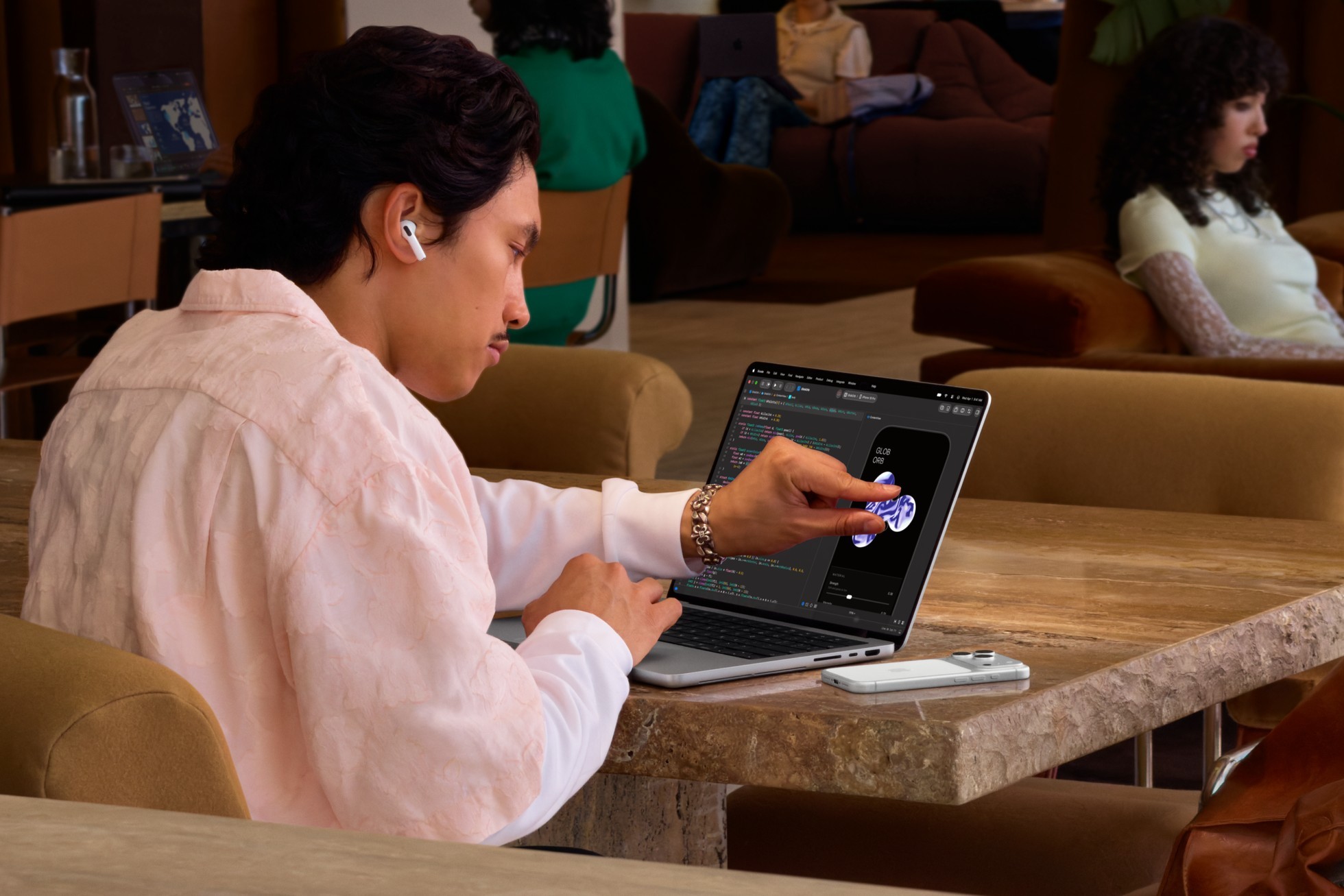
Photo Credit
Image courtesy of © AppleApple has just done what it spent years saying it would not: put a touchscreen on the Mac. The new MacBook Pro arrives with a tandem OLED display and fingers welcome, so we set it against the MacBook Air and the best Windows rivals for the travelling executive, comparing weight, battery, screen, chip, ports and price, every figure taken from the makers’ own pages.
The new MacBook Pro, in two flavours
Apple released two MacBook Pros on consecutive days this autumn. On 27 October came a 14-inch model with the new M6 chip, from £1,999. On 28 October came the headline act: the MacBook Pro with PROLED XDR Display, a tandem OLED screen that responds to touch, the first Mac ever to do so. It comes in 14- and 16-inch sizes with M5 Pro or M5 Max chips, and both machines reached shops on 6 November.
The touch is the part that changes how a working day feels. Pinch to zoom on a photograph, flick a window into place, drag a slide from one presentation to another, or play a piano keyboard on screen in Logic Pro. Apple has built the sensor into the panel itself rather than laying it on top, and stiffened the hinge so the screen does not wobble when prodded.
After years of insisting fingers belonged on the trackpad, Apple has let them onto the glass.
The figures: the 14-inch PROLED model has a 14.2-inch screen reaching 2,000 nits at its peak, with a contrast ratio Apple puts at 10,000,000:1. It weighs 1.38 kg with M5 Pro, half a pound lighter than before, and Apple quotes up to 22 hours of video streaming. Three Thunderbolt 5 ports sit beside HDMI, an SD card slot, MagSafe and a headphone jack. It costs from £2,899; the 16-inch starts at £3,399.
One surprise in the specification: the display offers medical imaging reference modes for reviewing scans, for non-diagnostic use. A laptop that can show an X-ray at the hotel desk is a slightly unsettling idea, and a remarkable one. The Dynamic Island, familiar from the iPhone, also moves to the top of the screen as a home for searches, music and live updates.

Photo Credit
Image courtesy of © AppleThe 14-inch M6 model keeps the familiar Liquid Retina XDR screen, 1,600 nits at its HDR peak, and a 12-core CPU and GPU. It lasts longer, at up to 24 hours of video streaming, and weighs more, at 1.55 kg, with three Thunderbolt 4 ports, HDMI, the card slot and MagSafe 3. The cheaper Pro outlasts the flagship by two hours and pays for it in 170 grams.
MacBook Pro vs MacBook Air
For many travellers the honest answer is the MacBook Air. The 13-inch model with M5 weighs 1.23 kg, lighter than any MacBook Pro, and Apple quotes up to 18 hours of video streaming. Its 13.6-inch screen is an LCD of 500 nits, dimmer than the Pro’s, and there are two Thunderbolt 4 ports plus MagSafe 3. It starts at £1,299; the 15-inch, at 1.51 kg, from £1,499.
Choose the Air for email, documents, films and the occasional photograph. Choose the Pro if the work is heavy, the screen matters or the extra ports save a bag of adaptors. The honest test is the heaviest thing you did on a laptop last month, not the heaviest thing you might one day do. Both have a 12MP Center Stage camera, which keeps you framed on a video call even when the hotel chair swivels.
MacBook Pro vs Dell XPS 14
Dell revived its XPS name this year with a 14-inch machine that is thin, at 14.6 mm, and handsome in graphite. It starts at 1.36 kg with an OLED screen, almost exactly the weight of the OLED MacBook Pro. Choose the 2K LCD screen instead and it slows to 1Hz for a still page of email, which describes most of an inbox; Dell quotes up to 27 hours on one charge, and more than 40 hours playing a downloaded film. Intel Core Ultra Series 3 chips do the thinking.
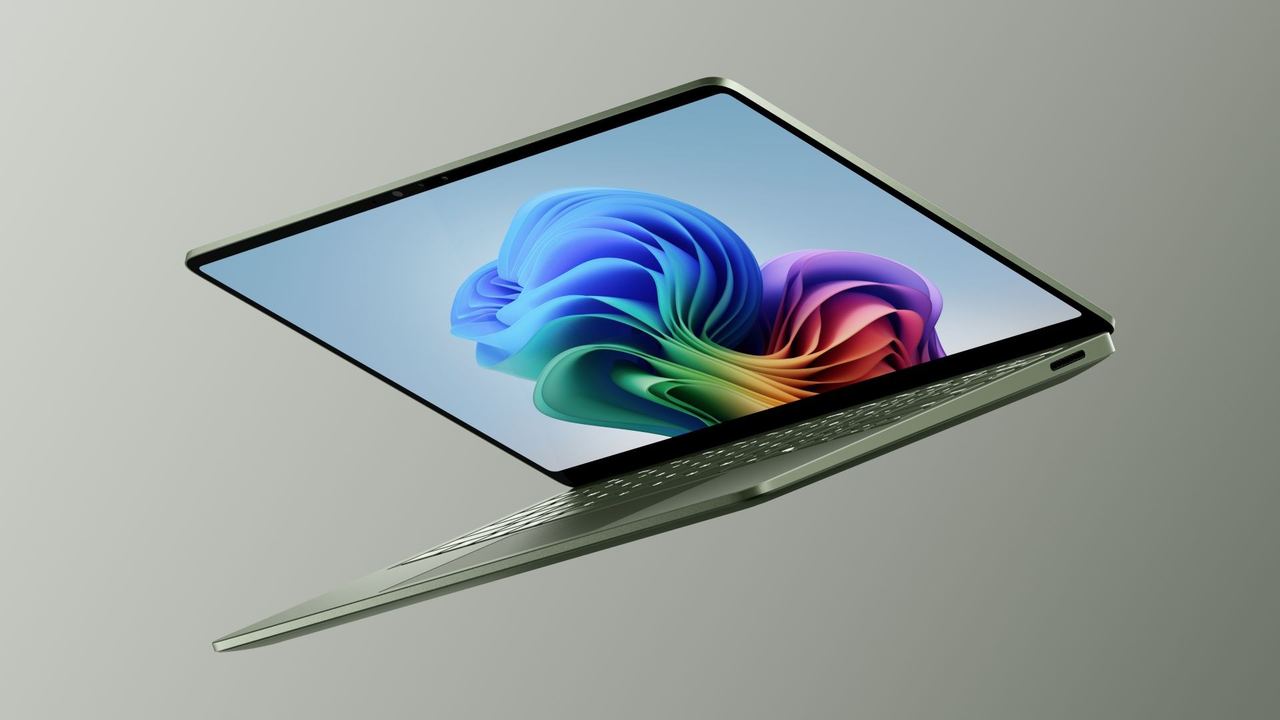
Photo Credit
Image courtesy of © MicrosoftThere are three Thunderbolt 4 ports and an 8MP camera, and Dell has brought back a proper row of function keys, a U-turn keyboard purists will welcome. It is no featherweight, but it is a fine Windows equivalent of the MacBook Pro for less money. Dell’s own store listed it from £2,038 this month; its prices move with frequent offers, so check on the day.
Buy the laptop for the journey you actually make: the lightest one is the one that comes with you.
MacBook Pro vs Microsoft Surface Laptop
Microsoft’s 13.8-inch Surface Laptop, the eighth edition, runs Windows on Snapdragon X2 chips. It weighs 1,342 g, Microsoft quotes up to 20 hours of local video playback, and its 120Hz touchscreen has the tall 3:2 shape that shows more of a spreadsheet. Two USB4 ports, a USB-A port for old memory sticks and a headphone jack cover the essentials. It is listed from £1,449.
It is the friendliest Windows laptop here and the one closest in spirit to the MacBook Air. Check that any specialist software runs on Snapdragon’s Arm chips before you fly. For heavier work, Microsoft has just added the 15-inch Surface Laptop Ultra, with an NVIDIA RTX Spark chip, up to 128 GB of memory and a 2,000-nit screen, from £2,599: a workstation that Microsoft says weighs under 4.5 pounds.

Photo Credit
Image courtesy of © ASUSMacBook Pro vs Lenovo ThinkPad X1 Carbon
Since its debut in 2012, the ThinkPad X1 Carbon has become the boardroom’s laptop, and Lenovo has sold more than ten million of them. The 14th generation, called the Aura Edition, starts at just 0.977 kg, the lightest machine in this comparison and 253 grams lighter than a MacBook Air. Lenovo quotes up to 19.2 hours in a standard office-work battery test and more than 32 hours playing a downloaded film.
It is built for the road. There are three Thunderbolt 4 ports, a USB-A port and full-size HDMI for the projector in the meeting room, plus a camera privacy shutter and an optional SIM slot for mobile data. A 65W charger restores 80 per cent in an hour with the laptop off. The screen is either a 500-nit IPS or a 2.8K OLED at 120Hz. Lenovo announced it at an estimated $1,999 in the US.
MacBook Pro vs ASUS Zenbook A14
ASUS makes the Zenbook A14 from Ceraluminum, its own scratch- and smudge-resistant material, and the result weighs 990 g. The battery is the headline: ASUS quotes over 33 hours playing video, enough to cross several time zones without ever finding the socket under the seat. A 14-inch OLED screen of 600 nits, an 18-core Snapdragon X2 Elite chip, two USB4 ports, USB-A and HDMI round off a remarkably capable little machine.
The verdict
For creative work, colour and sheer delight, the MacBook Pro with PROLED XDR Display is the most exciting laptop here, and touch makes it feel new in the hand. The M6 MacBook Pro is the sensible Pro for long days. The MacBook Air suits most travellers. On Windows, the ThinkPad X1 Carbon is the lightest and most business-like, the Zenbook A14 lasts longest, the XPS 14 is the closest rival to the Pro and the Surface Laptop is the easiest companion.
Why it's on our list
- Touch and tandem OLED arrive on the Mac
- MacBook Air: the lighter Apple choice
- Dell XPS 14 and Microsoft Surface Laptop
- Lenovo ThinkPad X1 Carbon under a kilo
- ASUS Zenbook A14 and its 33-hour battery
Location
The map comes from Google Maps, which sets its own cookies once it loads.
More in depth
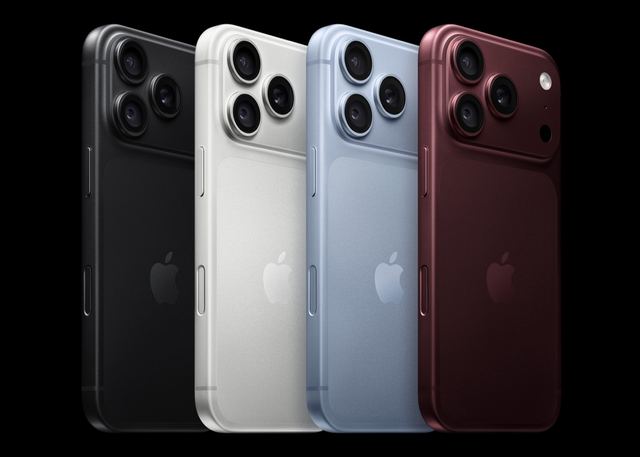 CompareiPhone Pro vs the rest: the 2026 camera phones comparediPhone 18 Pro against Galaxy S26 Ultra and Pixel 11 Pro: cameras first, then screens and prices.
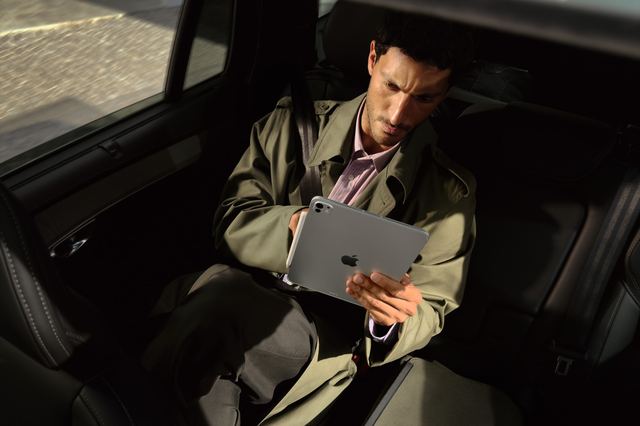 CompareTablets compared: iPad Pro, iPad Air, Galaxy Tab S12 Ultra and Surface ProiPad Pro, iPad Air, Galaxy Tab S12 Ultra and Surface Pro: for the plane, the hotel desk and drawing.
 Tech eventsTech events: London, Miami, Los Angeles, San FranciscoThe year's big tech, AI and creator events in four cities, plus the tech sights open every day.