Compare
Tablets compared: iPad Pro, iPad Air, Galaxy Tab S12 Ultra and Surface Pro
iPad Pro, iPad Air, Galaxy Tab S12 Ultra and Surface Pro: for the plane, the hotel desk and drawing.
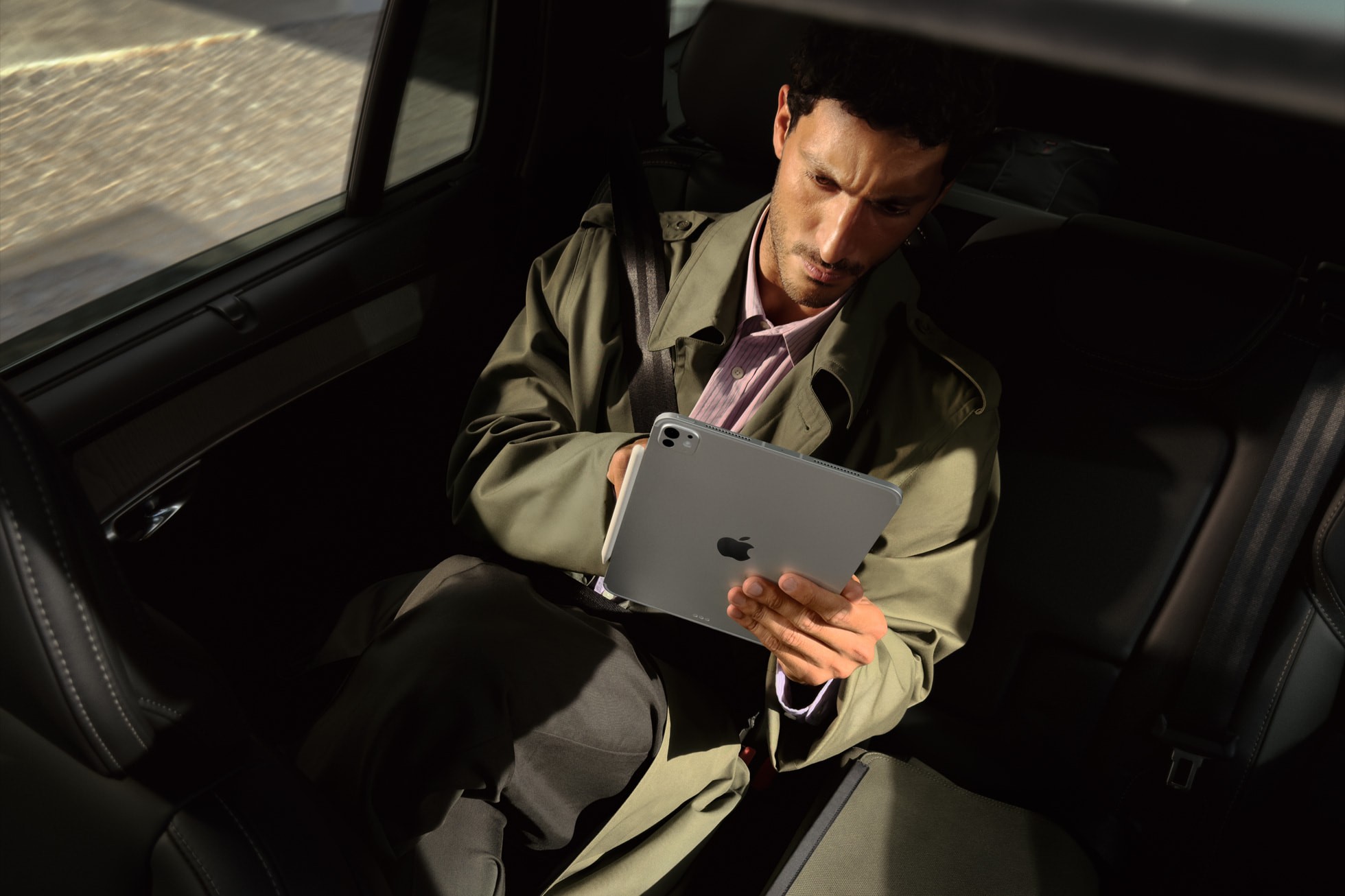
Photo Credit
Image courtesy of © AppleA tablet is the one screen that works on a tray table, a hotel desk and a sketchbook page, sometimes in the same afternoon. Here are the four that matter now, Apple’s iPad Pro and iPad Air, Samsung’s Galaxy Tab S12 Ultra and Microsoft’s Surface Pro, compared on weight, screen, battery, pen and price from the makers’ own figures.
The tablet grows up
Tablets were once the screen you watched films on while your laptop did the work. The best of them now edit video, run spreadsheets and replace a sketchbook, and they slip into a briefcase pocket. The choice comes down to how much you draw, how much you type and whether you need Windows. Prices below are each maker’s own starting prices for the Wi-Fi model.
iPad Pro vs iPad Air
The iPad Pro with M5 is the most beautiful object in this group. The 13-inch model is 5.1 mm thin and weighs 579 g, and its Ultra Retina XDR screen is a tandem OLED, reaching 1,000 nits full screen and 1,600 nits at its HDR peak. It refreshes at up to 120Hz, so handwriting flows like ink. It starts at £1,199 for the 11-inch, and £1,499 for the 13-inch.
The iPad Air with M4 starts at £749 for the 11-inch and £949 for the 13-inch, and it is a genuinely fast tablet. Its screen is an LCD of 500 nits on the 11-inch and 600 nits on the 13-inch, perfectly good for films but without the inky blacks of OLED. One quirk: the 13-inch Air, at 616 g, is heavier than the 13-inch Pro. Paying more buys you a lighter tablet, a rare bargain in reverse.
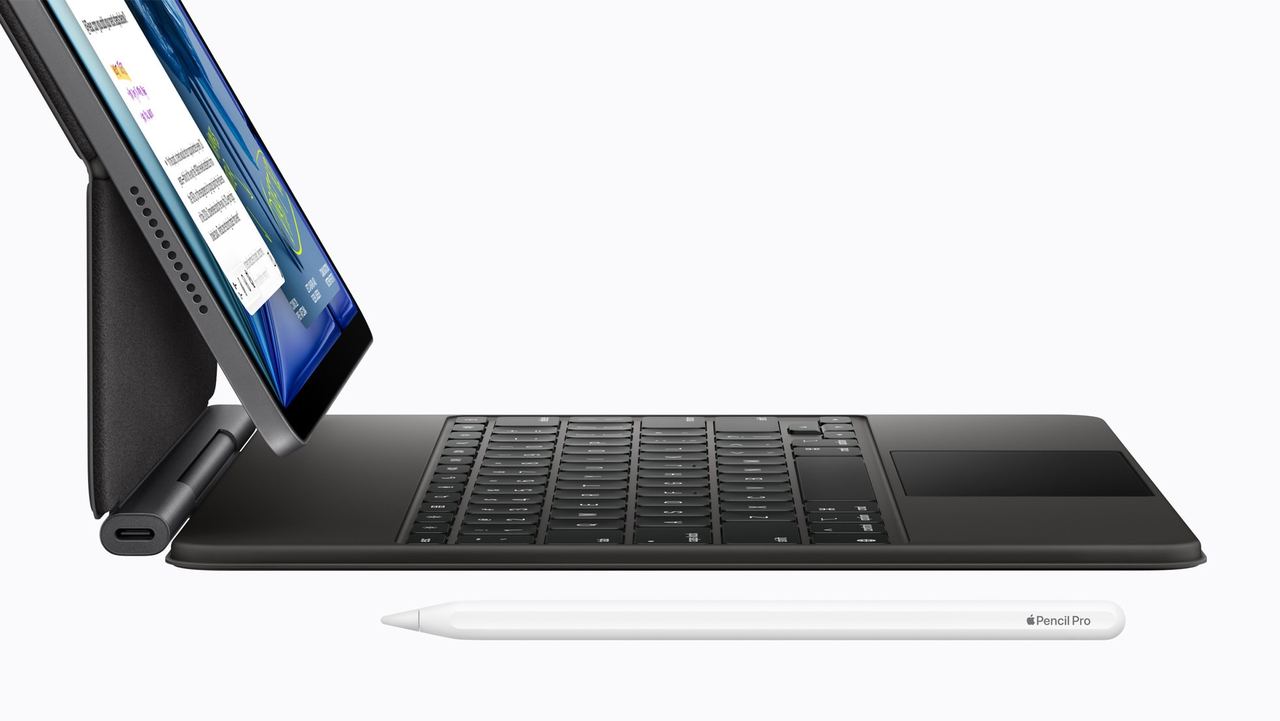
Photo Credit
Image courtesy of © AppleBoth last up to 10 hours of web browsing or video, both work with the Apple Pencil Pro at £129, and both now carry Apple’s own N1 wireless chip and, on cellular models, the C1X modem. The Pro adds a Thunderbolt port and can drive an external display at up to 120Hz, and with an adaptor it will happily borrow the hotel television as a second screen. So ask what the Pro’s extra money buys: OLED, a lighter 13-inch body and that port. If none would change your week, buy the Air.
iPad Pro vs Samsung Galaxy Tab S12 Ultra
Samsung’s Galaxy Tab S12 Ultra is the big screen of the group: 14.6 inches of Dynamic AMOLED 2X at 120Hz, 1,600 nits at its peak, in a body just 5.1 mm thin, Samsung’s thinnest tablet yet. It weighs 692 g. A MediaTek Dimensity 9500 chip runs Android 17, and Samsung promises up to seven OS upgrades, a commitment that may outlast the luggage.
The battery is the real draw for travellers: Samsung quotes up to 23 hours of video playback, more than double Apple’s figure, and a full charge in about 95 minutes with a 45W charger. It is rated IP68 against water and dust, though Samsung’s small print adds that it is not advised for beach or pool use, which rules out most holidays.
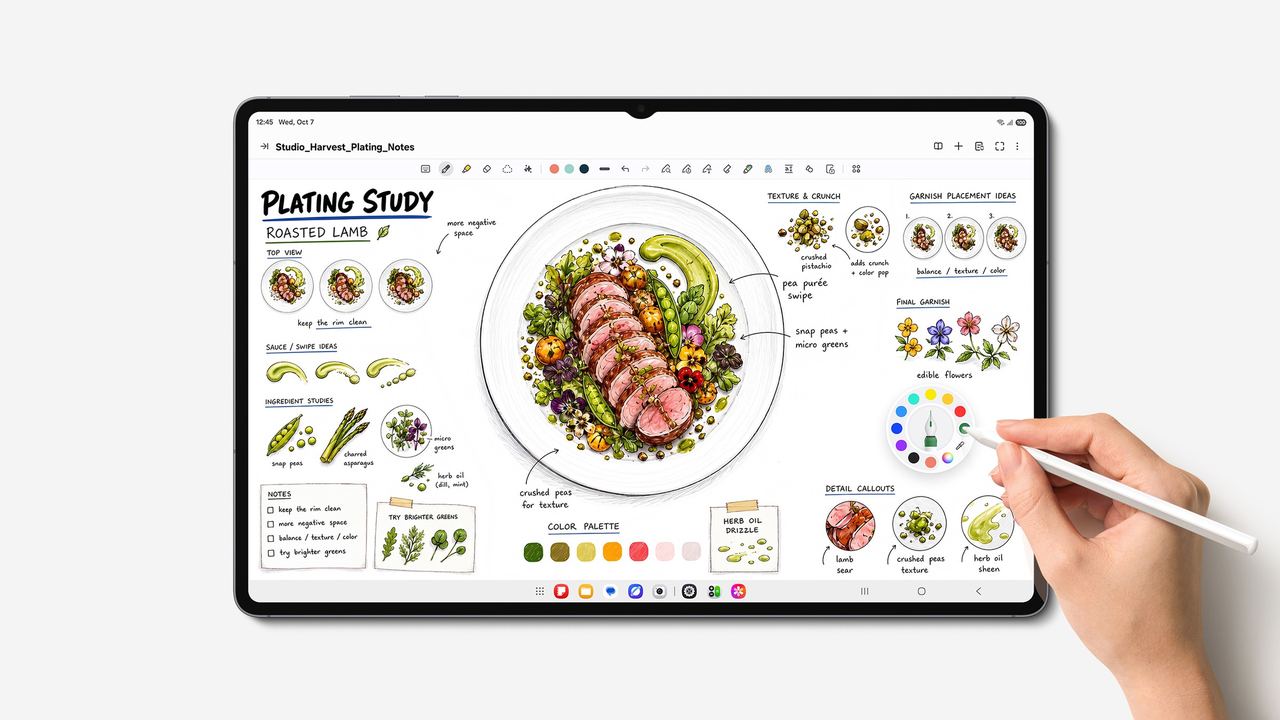
Photo Credit
Image courtesy of © SamsungThe S Pen comes in the box, a courtesy Apple and Microsoft do not extend, and Adobe Photoshop is preloaded, a first for an Android tablet. There is a microSD slot for up to 2TB of films and photographs. The Galaxy Tab S12 Ultra starts at £1,399.
On a long flight, the best tablet is the one whose battery outlasts the film programme.
iPad Pro vs Microsoft Surface Pro
The Surface Pro is a laptop that has taken off its keyboard. The 13-inch model runs full Windows on Snapdragon X2 chips, so the company software that refuses to run on a tablet runs here. Its 13-inch touchscreen comes as OLED or LCD, 2880 by 1920 pixels at 120Hz, and the built-in kickstand props it on a tray table without a case. It weighs 895 g without a keyboard, more than twice an 11-inch iPad Pro: the price of a whole PC in a tablet’s coat. Microsoft quotes up to 15.5 hours of video.
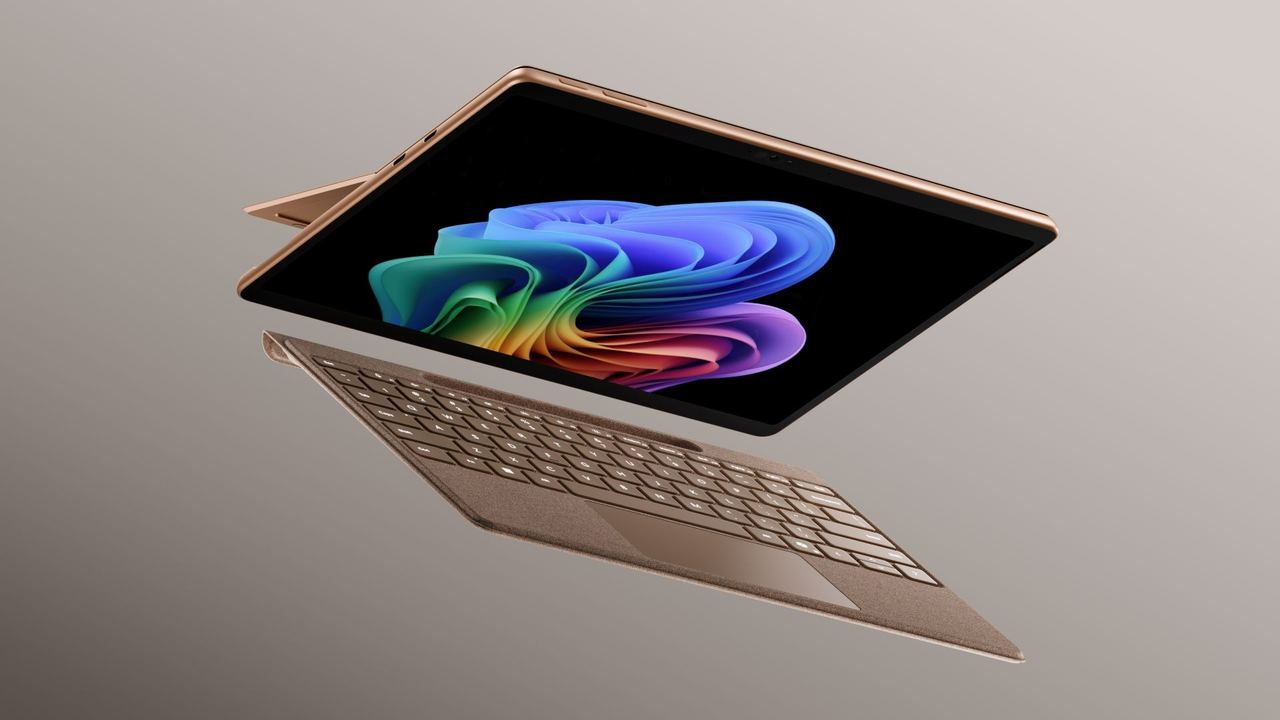
Photo Credit
Image courtesy of © MicrosoftTwo USB4 ports and Microsoft’s own charging port handle the desk. The keyboard and Slim Pen are sold separately; the pen senses 4,096 levels of pressure, and the Flex Keyboard works detached from the screen, useful in an economy seat. Some keyboards come in Italian-made Alcantara, the suede-like fabric of luxury-car interiors. The 13-inch Surface Pro is listed from £1,399.
On the plane, at the desk and with a pen
On the plane, the Galaxy Tab S12 Ultra’s battery wins, though its 14.6-inch screen is a lot of tablet for a tray table; the 11-inch iPad Pro, at 444 g, is the most comfortable to hold through a film. At the hotel desk, the Surface Pro is the only one that is truly a laptop. For drawing, the iPad Pro’s OLED screen and the Apple Pencil Pro remain the artist’s favourite pairing, with the Tab S12 Ultra a generous rival that includes the pen.
The verdict
Buy the iPad Pro if you want the finest screen and the most enjoyable drawing tablet made, and the iPad Air if you want most of that for considerably less. Choose the Galaxy Tab S12 Ultra if you live on Android, want the biggest canvas and the longest battery, and like a pen in the box. Choose the Surface Pro if your working day runs on Windows and the tablet has to become your laptop.
Why it's on our list
- iPad Pro: tandem OLED at 5.1 mm
- iPad Air: the sensible Apple choice
- Galaxy Tab S12 Ultra: 14.6 inches, pen included
- Surface Pro: full Windows with a kickstand
- Which suits the plane, the desk and drawing
Location
The map comes from Google Maps, which sets its own cookies once it loads.
More in depth
 Tech eventsTech events: London, Miami, Los Angeles, San FranciscoThe year's big tech, AI and creator events in four cities, plus the tech sights open every day.
 CompareApple Watch Ultra 4 vs the rest: the travel smartwatches comparedApple Watch Ultra 4 and Series 12 against Galaxy Watch Ultra2 and Garmin fēnix 9 Pro, for travel.
 The back storyStaying connected in Brighton: SIMs, eSIMs, plugs and Wi-FieSIMs, three square pins and Wi-Fi on the bus: getting online in Brighton before the chips go cold.