Compare
Gaming PCs compared: graphics cards, laptops and desktops
RTX 50 series vs Radeon, the flagship gaming laptops and desktops, and what the numbers mean.

Photo Credit
Image courtesy of © NVIDIAA top-flight gaming PC is the Formula 1 car of home entertainment: breathtakingly fast, thirsty, and maddening to price. Here are the graphics cards, laptops and desktops that matter in November 2026, what the jargon on the box really means, and who should spend what.
Why a PC?
A console is a set menu; a gaming PC is à la carte. You choose every part, upgrade when you like, play the widest library of games there is and run them at frame rates no console reaches. The price of that freedom is complexity and, in 2026, money: an international shortage of memory chips has pushed graphics cards and gaming laptops well above their launch prices. Treat every price here as the maker’s starting point, not the figure at the till.
What the numbers mean
The graphics card, or GPU, does the heavy lifting, and its own memory, VRAM, measured in gigabytes, decides how much detail it can hold at once: more matters most at 4K. Watts tell you how much power it draws, and so how much heat, and noise, it can make. Frame rate is smoothness: 60 frames per second feels fluid, 120 and beyond feels like silk.
A monitor’s refresh rate, in hertz, is how many of those frames it can actually show, so the two should meet.
On laptops, look past the chip’s name to its power, the TGP in watts: the same RTX 5090 Laptop GPU runs faster in a thick 18-inch machine that feeds it 175 W than in a slim one that cannot. Nor are laptop and desktop chips of the same name the same thing: a laptop RTX 5090 has 24GB of memory, the desktop card 32GB. The badge on the lid, in other words, is the start of the conversation, not the end of it.
RTX 5090 vs RTX 5080
The GeForce RTX 5090 is the summit of NVIDIA’s range, and it is built like one: 21,760 CUDA cores, 32GB of GDDR7 memory and a 575 W appetite, with NVIDIA recommending a 1,000 W power supply to feed it. It launched at £1,939, and NVIDIA claimed up to twice the speed of the previous flagship, with DLSS 4 doing some of the lifting.
It plays anything at 4K with every setting raised, path tracing included, and is rather wasted on anything smaller than a large, fast 4K screen.
The RTX 5080 is the sensible flagship: 16GB of GDDR7, 10,752 CUDA cores and 360 W, launched at £979. Below it, the RTX 5070 Ti, with 16GB at £729, and the RTX 5070, with 12GB at £539, are the more affordable road to high frame rates at 1440p. All share DLSS, and DLSS 4.5’s multi frame generation now lets a 50-series card invent up to five extra frames for every one it draws, which sounds like cheating and looks remarkably like magic.
AMD Radeon RX 9070 XT
AMD’s answer is the Radeon RX 9070 XT: 16GB of GDDR6, 64 compute units and 304 W, launched at $599 in March 2025 and still the top of AMD’s range. It brought FSR 4, AMD’s first machine-learning upscaler, and the FSR Redstone update added AI frame generation and Ray Regeneration, a cleverer way of tidying up ray-traced light; those AI features are for Radeon RX 9000 cards only.
AMD has no rival to the RTX 5090; the 9070 XT fights on value instead, where most buyers actually stand.
NVIDIA or Radeon: who suits which
Choose NVIDIA for the very top of the range, for path tracing, and for the broadest support of DLSS upscaling and frame generation across games. Choose Radeon if you want 16GB of graphics memory for less money and play mostly at 1440p. Either way, compare the day’s price with the launch price before you buy: through 2026 the gap has moved week by week, and patience has been rewarded more often than loyalty.
Spend on the graphics card first and the screen second: everything else is the supporting cast.
Laptop or desktop?
The question to ask first is not which chip, but where you will play. A desktop RTX 5090 is allowed 575 W; its laptop namesake gets 175 W at most, so the desktop of the same badge is faster, quieter and easier to upgrade, and the money goes further. A laptop earns its premium only if it travels: to a second home, a hotel suite, a long stay abroad. If it will live on one desk, buy the desk machine and spend the difference on a better screen.
The flagship laptops
The Razer Blade 16 (2026) is the one that slips into a briefcase: 14.9 mm thin and 4.6 lb, about 2.1 kg, with a 16-inch QHD+ OLED at up to 240Hz, an Intel Core Ultra 9 386H and up to an RTX 5090 Laptop GPU. Razer quotes up to 13 hours of office work on battery, a rare grace in a gaming laptop, and its machined aluminium shell looks more boardroom than bedroom. It is the gaming laptop for the business-class traveller.
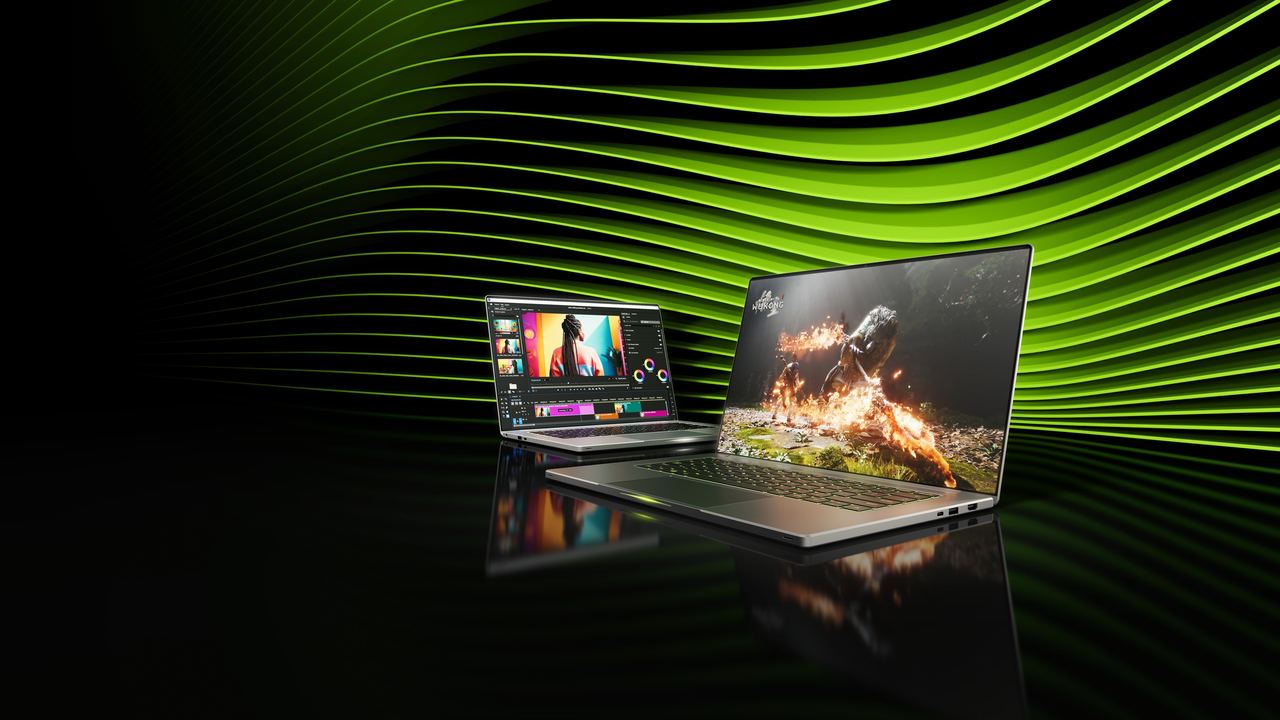
Photo Credit
Image courtesy of © NVIDIAASUS’s ROG Strix SCAR 18 (2026) is the desktop replacement with a sense of theatre: an 18-inch 4K Mini LED screen with more than 2,000 dimming zones, 1,600 nits at its brightest and 240Hz, an Intel Core Ultra 9 290HX Plus, up to an RTX 5090 at 175 W, liquid metal on both chips, and memory and drives you can reach without tools.
The lid carries AniMe Vision, 810 LEDs shining through 8,522 milled holes, for those who like their laptop to speak first.
MSI’s Titan 18 HX AI and the Alienware 18 Area-51 complete the heavyweight class, both with up to an RTX 5090 at 175 W. The Titan pairs it with an 18-inch 3840 x 2400 Mini LED screen and weighs about 3.6 kg; the Alienware, built to handle up to 280 W of combined power, weighs 4.34 kg before you lift its power brick. These are laptops in the sense that a grand piano is portable: superb, but they rarely leave the room.
Ready-built desktops
A ready-built desktop usually costs more than building your own, and saves a weekend and a warranty argument. Alienware’s Area-51 tower is engineered around positive-pressure cooling, with more air pushed in than drawn out, and is offered with up to an RTX 5090; reviewers found it fast and quiet, if enormous. Valve’s Steam Machine sits at the other end, a six-inch cube with roughly PS5-class power.
Whoever builds it, ask for the exact graphics card, power supply and warranty in writing.
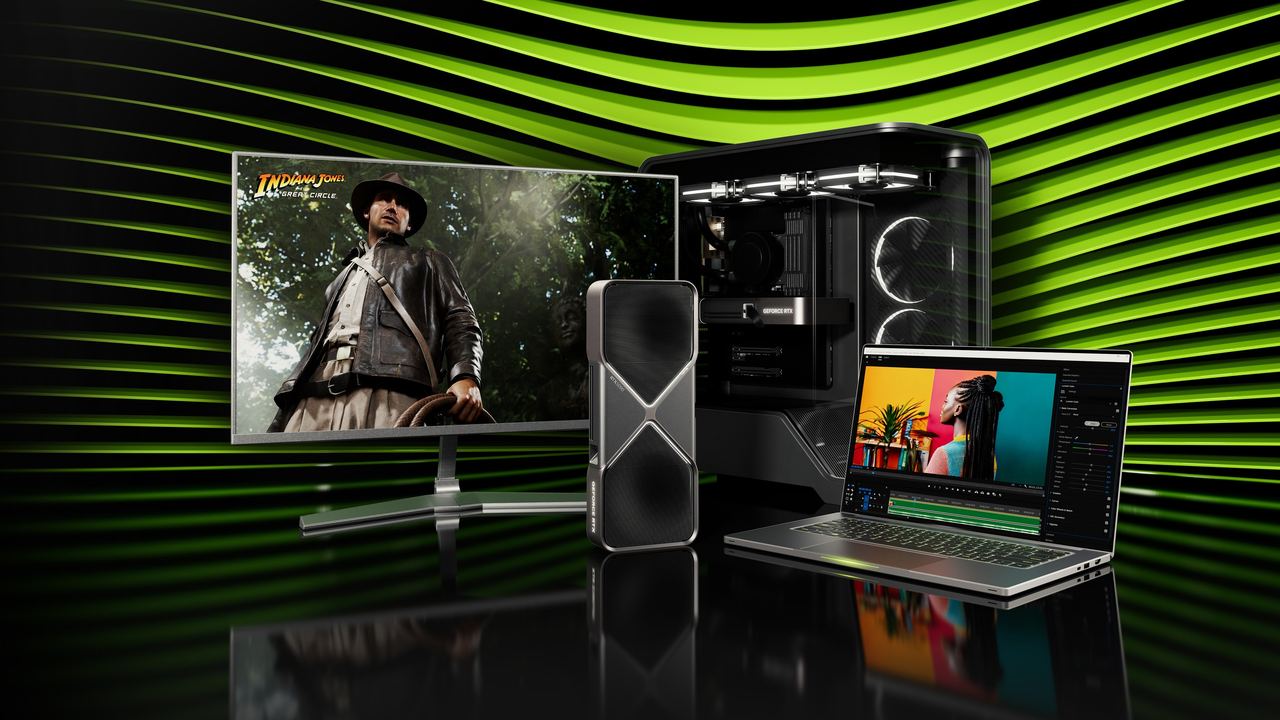
Photo Credit
Image courtesy of © NVIDIAMac gaming, in a sentence
Apple silicon Macs now run some big games natively, Cyberpunk 2077 among them since July 2025 on Macs with 16GB of memory or more, but the library is still a fraction of the PC’s: a fine restaurant with a very short menu. Buy a Mac for everything else and something else for games.
The verdict
For no-compromise 4K with path tracing, a desktop with an RTX 5090. For most serious players, an RTX 5080 or a Radeon RX 9070 XT, at 1440p or 4K. For the traveller who games in hotel suites, the Razer Blade 16. For a laptop that will never leave the desk, the SCAR 18 or the Titan 18. And for the devoted Mac owner, a console beneath the television is often the happier ending.
Why it's on our list
- NVIDIA RTX 50 series vs AMD Radeon
- What the numbers on the box mean
- The flagship gaming laptops
- Ready-built desktops
- Mac gaming, in a sentence
Location
The map comes from Google Maps, which sets its own cookies once it loads.
More in depth
 GamingGaming tech explained: ray tracing, DLSS, VRR and the cloudRay tracing, DLSS and FSR, frame generation, VRR, HDR, 4K/120 and cloud gaming, decoded.
 GamingThe top 10 games right nowThe ten games selling hardest right now, and the new releases worth the wait this winter.
 GamingGrand Theft Auto VI: the making of a phenomenonFrom Dundee to Vice City: every GTA through the years, and why GTA VI is the launch of the decade.